Google Brings AI-Generated Disco Icon Pack to Pixel Phones
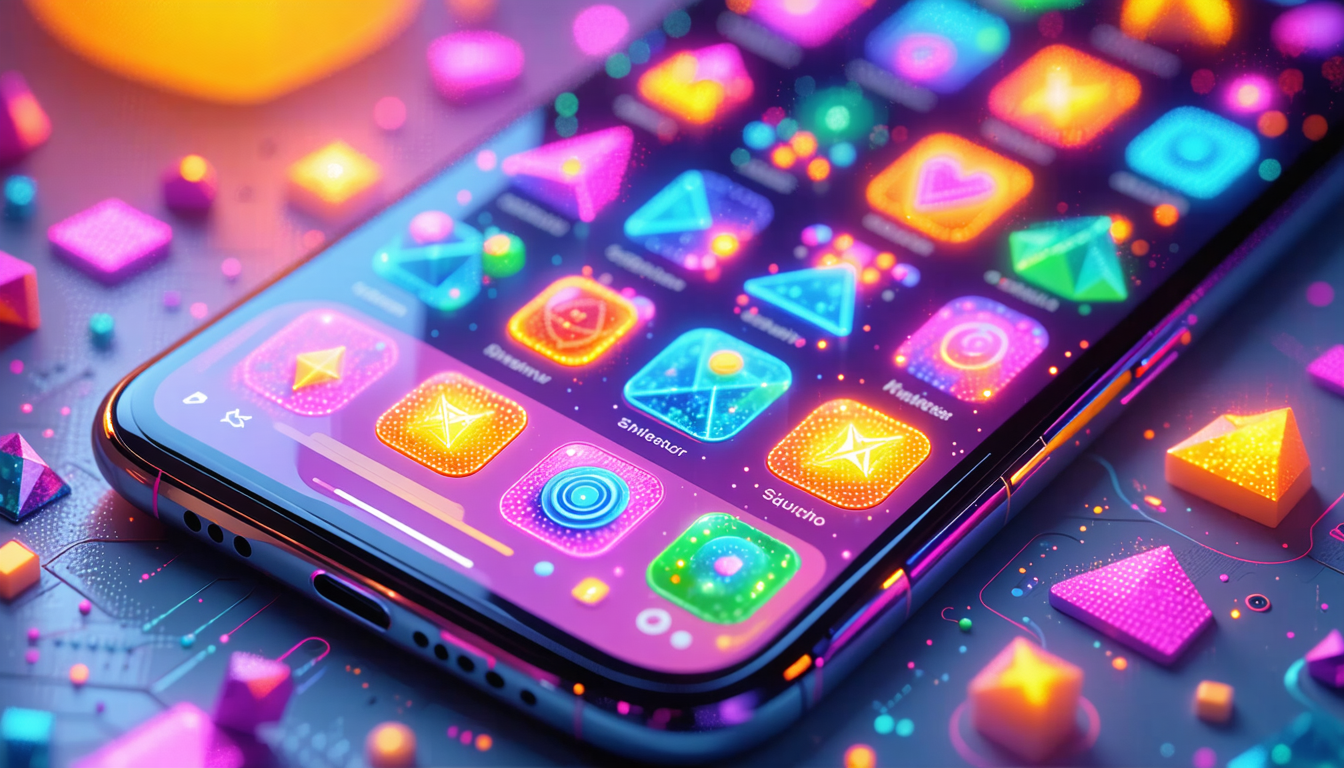
Google is rolling out a fresh icon customization feature for Pixel phones that harnesses artificial intelligence to generate bespoke icon packs applicable across the entire system interface on Pixel 6 devices and newer models.
The new capability offers varying levels of customization depending on the icon pack selected. While some packages permit users to adjust colors and styling by editing guide text—marked with dotted underlines for clarity—others arrive with fixed designs that resist modification. The Disco package falls into this latter category, featuring a predetermined aesthetic.
Despite its static design constraints, the Disco pack does allow for basic personalization. Users can disable animations by toggling the "Static" option, converting the otherwise moving icons into stationary versions that better suit individual preferences.
The genesis of the Disco concept traces back to an X platform post by user RaceJohnson, who introduced the "Discomorphism" design philosophy. Samir Samat, who leads Google's Android division, subsequently signaled the company's interest in bringing this visual approach to Android handsets. The feature has now materialized as an available option for Pixel users.
What sets the Disco package apart is its heightened brightness and visual dynamism compared to standard icon options. The design leverages Material 3 Expressive styling, which imparts a more dynamic and adaptable quality to the phone's interface presentation.
Device compatibility requires a Pixel 6 or later model running the March 2026 Pixel Feature Drop update, or Android 16 QPR3 or subsequent versions. Users can verify update availability through Settings > System > Software Updates > System Update.
To access the feature, users navigate to Settings and select "Wallpaper & style," or alternatively long-press an empty area on the home screen and choose the same option. From there, they access the Home screen tab and scroll to the Icons section.
Four options present themselves: Default, Minimal, Custom, and Create. Selecting Create opens the "Create a new style" section, where users can choose Disco. The system generates a fresh icon set ready for download via the button at the top of the screen.
Once downloaded, users return to the previous menu, select the Disco package from the Your styles section, and confirm their selection using the checkmark at the top to apply it to their home screen.
Through this feature, Google has embedded an additional layer of personalization into Pixel phones, merging machine learning capabilities with dynamic visual design to deliver a more distinctive and engaging home screen experience.
Compare options