How to Recover Data from an Android Phone with a Broken Screen
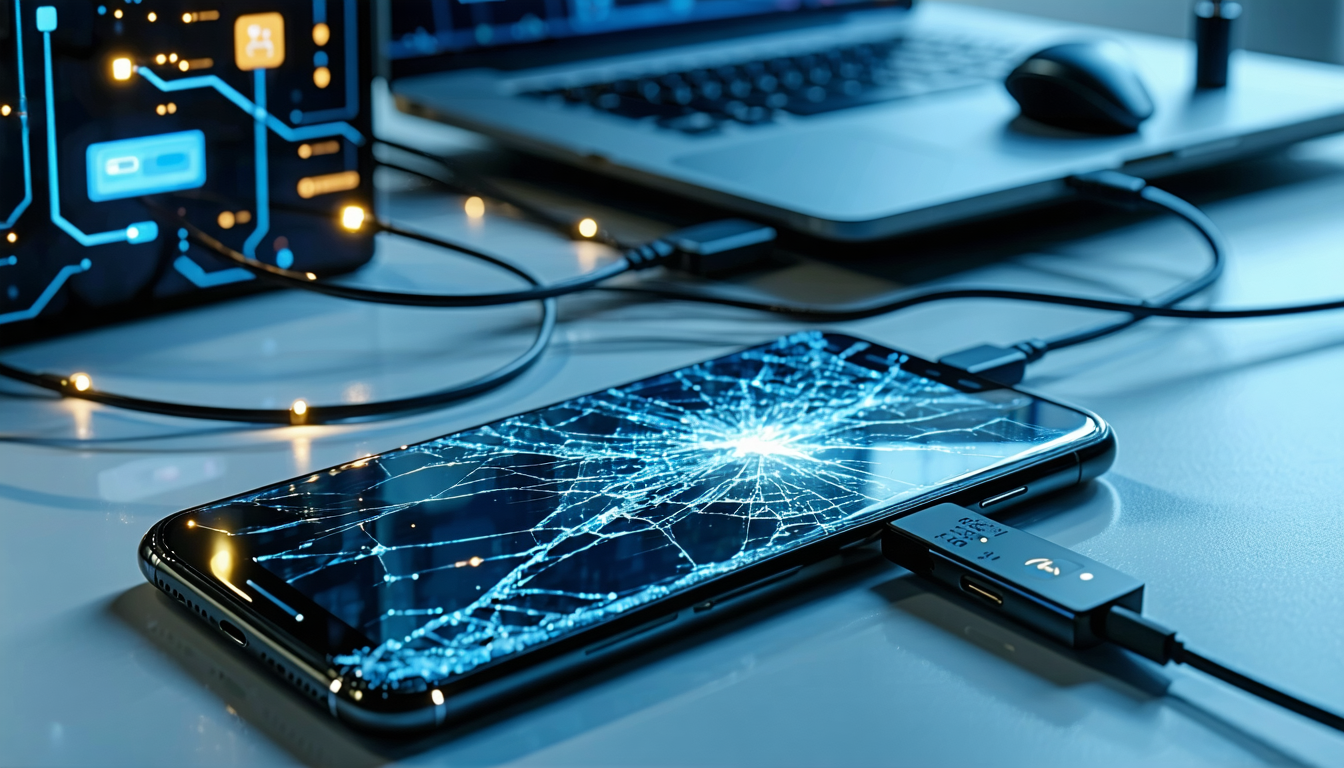
A damaged phone screen need not spell disaster for your data. Recent technical analysis has identified a practical approach to retrieving files from Android devices even when the display is compromised, using a developer tool that circumvents the need for screen interaction.
An accessible solution at no cost
The Android Debug Bridge—commonly referred to as ADB—provides a command-line interface that enables users to manage their Android devices directly from a computer. This tool establishes a secure connection between the phone and a computer, facilitating the transfer of data without requiring the phone's screen to function.
According to technical documentation, the method works reliably for extracting files from phones with broken or inoperable screens, provided the device remains powered on and USB Debugging has been previously enabled. The solution carries no financial cost and functions across Windows, macOS, and Linux platforms, making it widely accessible.
The essential requirement
The effectiveness of this approach hinges on one critical factor: USB Debugging must already be activated on the device. Should this setting remain disabled or require confirmation on a damaged screen, the process becomes considerably more difficult and may necessitate additional tools or temporary screen replacement.
Retrieving your files
Once the phone connects to a computer and the system recognizes it, straightforward commands facilitate data transfer. Users can verify the connection with basic commands and copy files from the device's storage directly to the computer. This process allows recovery of photos, videos, documents, and certain application data, provided they are not subject to restricted access permissions.
Understanding the constraints
USB Debugging is not without limitations. System files stored internally typically remain inaccessible without Root access, and data protected through encryption may resist recovery efforts. Additionally, if the phone fails to power on or the computer cannot detect it via USB Debugging, this method will not function.
Planning ahead matters
While USB Debugging represents one of the more effective free options for data retrieval from damaged Android devices, its viability depends entirely on the phone's prior configuration and current operational state. Experts recommend proactively enabling both regular backups and USB Debugging before any hardware failure occurs, thereby preventing potential data loss scenarios.
Compare options