Unlocking Superior Bluetooth Audio: Essential Settings for Better Sound Quality
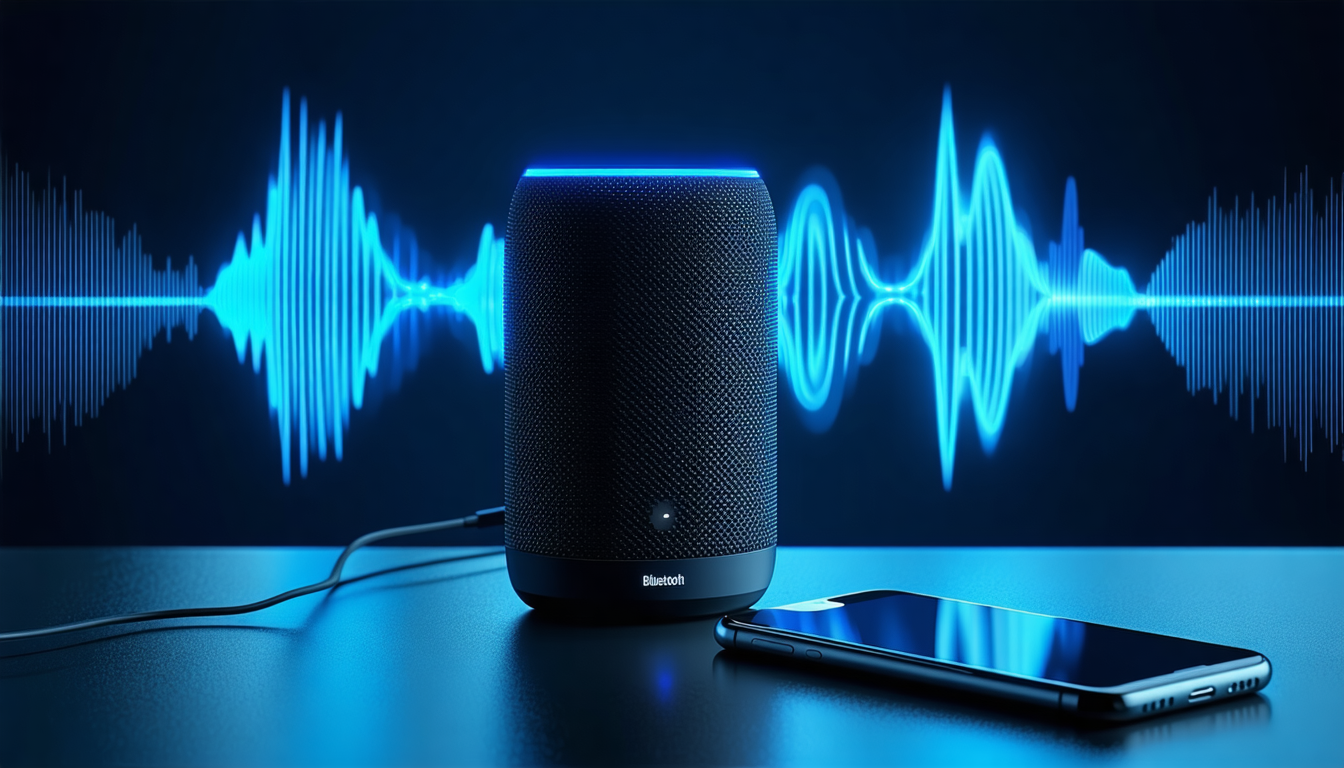
Audio enthusiasts looking to get the most from their wireless devices have access to several technical adjustments that can meaningfully improve sound output. Among the most impactful options is the ability to select different Bluetooth codecs—the compression formats that transmit audio data. Users can typically choose from standard options like SBC and AAC, or upgrade to more sophisticated alternatives such as LDAC and aptX, which enable better compatibility and superior audio fidelity between phones and speakers.
Beyond codec selection, deeper menu settings allow fine-tuning of the "sample rate" and "bit depth"—parameters that directly influence audio clarity and noise reduction. These adjustments work together to enhance the overall frequency response and listening experience.
For those dealing with signal interference, additional controls are available to manage the working range and signal strength of the connection. These settings help stabilize the broadcast and minimize audio dropouts in environments saturated with wireless interference.
Technology specialists caution that users should verify their headphones or speakers are compatible with these advanced technologies before making adjustments. This compatibility check ensures optimal audio quality while preventing unnecessary battery drain from unsupported features.
Compare options