Troubleshooting Common Apple Watch Issues: A Practical Guide
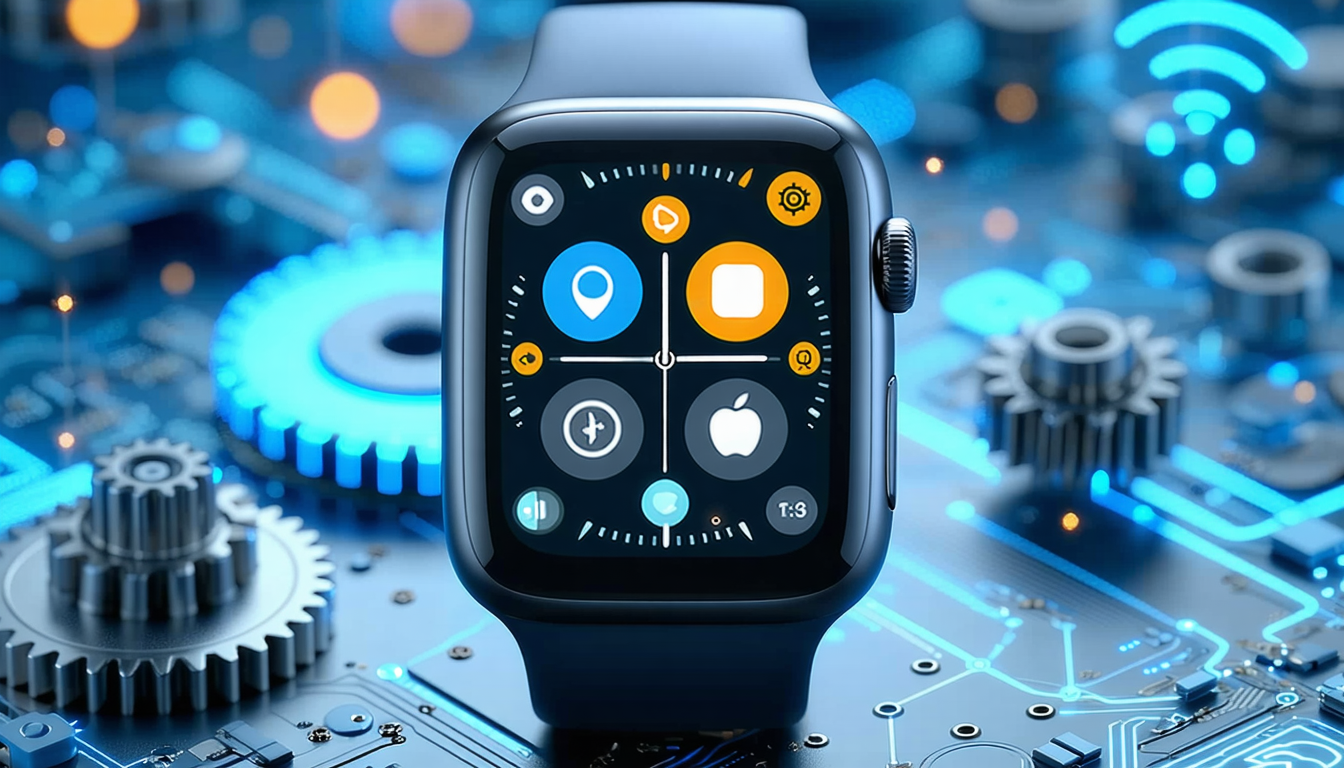
The Apple Watch has become a favored wearable among iPhone users, offering sophisticated capabilities for monitoring health metrics, tracking physical activity, and delivering real-time notifications. Yet like all electronic devices, it occasionally encounters technical glitches that warrant attention.
Fortunately, most of these problems can be resolved with straightforward steps—including device restarts, system updates, or settings adjustments—typically without requiring professional technical support.
Connectivity Challenges
Pairing difficulties between an Apple Watch and iPhone represent a frequent source of frustration, with users sometimes experiencing connection drops or pairing errors during setup.
These obstacles commonly stem from preventable causes such as disabled Bluetooth or Wi-Fi connectivity, or temporary software hiccups. Restarting both devices or attempting the pairing sequence anew typically proves effective in resolving the problem.
Accelerated Battery Depletion
Another widespread complaint involves the battery consuming power more rapidly than expected. Multiple factors contribute to this issue, including activation of the Always-On Display feature, intensive use of fitness applications, or natural battery degradation that develops over extended periods.
The watch may also consume additional power when operating away from an iPhone, as it continuously attempts to establish cellular connections or search for available networks.
Exercise and Heart Rate Tracking Inaccuracies
Certain users have noted inconsistencies when recording workout sessions or measuring cardiac activity during physical exertion. Such discrepancies frequently relate to improper watch positioning or insufficient contact with the wrist.
Specialists recommend securing the device snugly against the wrist and periodically cleaning the sensors to maintain measurement precision.
Forgotten Passcode Scenarios
Should a user forget their passcode, no standard recovery option exists. The only recourse involves performing a complete factory reset and reconfiguring the device from scratch—a process that may result in data loss unless information has been previously synchronized with iCloud.
Software Update Complications
Difficulties with watchOS installations can arise from inadequate network connectivity, insufficient available storage, or insufficient battery charge at the time of updating.
Despite these occasional setbacks, the Apple Watch maintains its standing as a dependable and technologically sophisticated device. Most standard complications resolve through simple troubleshooting procedures, making it an appealing option for millions of users worldwide.
Compare options