Maximizing Video Quality on Instagram: A Technical Guide
Getting the best possible video quality on Instagram requires attention to several technical factors, from initial recording through final upload.
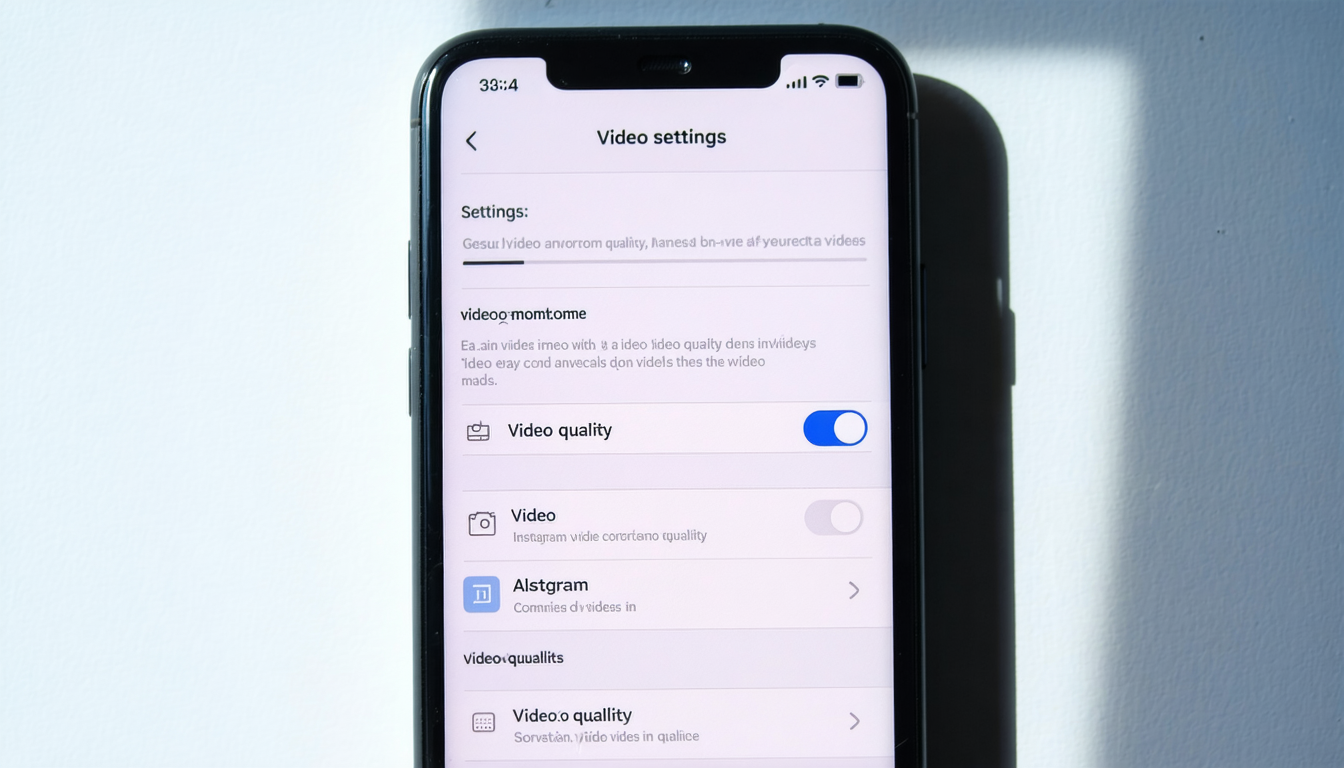
The process begins with your phone's settings. Navigate to "Settings and Privacy," then select "Data usage and media quality" to enable the highest quality upload option. This foundational step ensures the platform processes your content with maximum fidelity.
When recording, aim for a minimum resolution of 1080 x 1920 pixels. For Reels and Stories, a 16:9 aspect ratio delivers optimal results across the platform's various formats.
The export stage proves equally critical. Save your video in MP4 format using either H.264 or H.265 encoding—both codecs allow Instagram to handle compression more efficiently, preserving visual quality throughout the process. Frame rate consistency matters as well; maintain either 30 or 60 frames per second throughout your video to prevent distortion or tearing artifacts.
Network conditions during upload significantly impact the final result. A stable Wi-Fi connection is essential, as weak signals trigger additional file compression and reduce overall clarity. Conversely, a strong, reliable connection preserves the quality you worked to achieve.
Recent developments in 2026 show that content creators are increasingly exporting videos in 4K before uploading to Instagram. This approach captures additional detail that survives the platform's processing, particularly benefiting professional Reels content.
According to digital content specialists, video quality now depends less exclusively on equipment and more on proper export settings and upload methodology. The correct technical approach during these final stages can give clips a noticeably more polished appearance and improve their potential reach on the platform.
Compare options