iOS 26 Users Grapple with Keyboard and Typing Issues
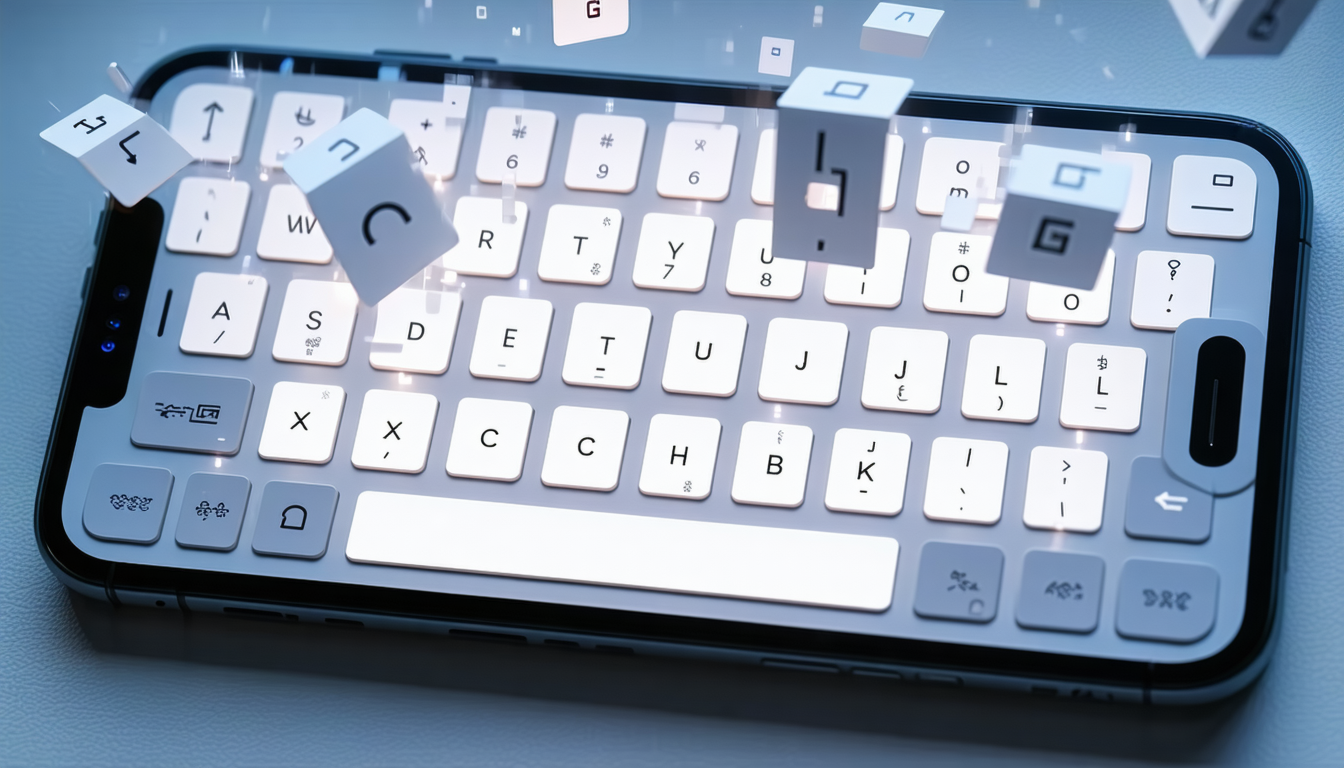
A substantial portion of iPhone users operating iOS 26 are encountering persistent keyboard difficulties that have disrupted their communication workflows.
The reported issues include character registration failures, noticeable input delays, and instances where typed letters fail to appear on screen. These problems have proved particularly disruptive for users who rely on rapid text input across messaging platforms, email applications, and other software.
Technical analysis and user reports indicate that the core issue stems from touch recognition failures. While the screen registers visual feedback when keys are pressed, the system frequently fails to properly record these inputs.
The consequence is the generation of incomplete or garbled text—missing words or incorrectly transcribed passages that create confusion during conversations and complicate the composition of lengthy documents. Users have also documented perceptible lags between key presses and the appearance of corresponding letters, rendering fast typing imprecise.
The problem extends beyond character input alone. The auto-correction mechanism has been affected as well, with missing or misregistered letters prompting the system to suggest inappropriate word replacements or inadvertently alter intended meanings.
Remedial Measures
Apple released incremental updates, including iOS 26.4, which the company stated would enhance keyboard accuracy during rapid typing. The update represented an attempt to mitigate the missing letter problem.
Despite these efforts, user reports continue to surface indicating that additional manual interventions remain necessary following installation. Some users have found that resetting the keyboard dictionary after updating yields more substantial improvements.
Recommended Solutions
Technology specialists recommend that users reset keyboard settings through the system settings menu. This action clears previously accumulated learning data and allows the word prediction system to rebuild itself.
While this process may temporarily compromise suggestion accuracy, users report that performance improves progressively as the system relearns typing patterns through continued use.
Compare options